

Stop playing phone tag. In a busy auto shop, every missed call, delayed approval, and unanswered status question steals time from the bay and makes the customer wonder if their vehicle's been forgotten. Canadian customers already expect fast digital replies, and live chat has become a strong signal of that expectation, with 41% of consumers globally preferring live chat over phone, 32%, and email, 23%, while the average live-chat wait time is 46 seconds and 51% are more likely to stay with or buy again from a company that offers it (Help Scout live chat statistics). For shops like Carmedics Autowerks, the right customer communication tools do more than send messages, they move estimates, approvals, payments, and reviews through the shop without extra back-and-forth.
1. Podium
Podium is a strong fit when your front counter needs one place to manage fast-moving conversations from people who'd rather text than talk. It brings SMS, email, Facebook, Instagram, and Google Business messaging into a single inbox, so an advisor can answer a tint question, follow up on a stalled PPF estimate, and send a payment link without bouncing between apps. That channel mix matches how local businesses work, especially when a customer is standing in a parking lot or checking messages between meetings.
The biggest reason shops choose it is workflow. Review requests, follow-ups, and text-to-pay all live close to the conversation, which helps when a customer needs to approve a windshield tint or settle a deposit before parts get ordered. If your shop already publishes clear service information, an internal page like this guide on finding the right repair shop pairs naturally with a messaging-first sales process, because the customer can read, ask, and act without friction.
Where Podium tends to work best
- Fast approvals: Text the estimate, then keep the thread open until the customer says yes.
- After-hours follow-up: Capture leads when the shop is closed and keep the thread warm.
- Review collection: Ask for feedback while the service experience is still fresh.
- Mobile-heavy teams: Advisors can stay responsive without being tied to a desk.
Practical rule: If your team loses more money to missed replies than to software cost, text-first tooling is usually the first upgrade worth making.
Best for: local service shops that want messaging, reviews, and payments in one place.
Trade-off: quote-based pricing can be higher than a simple SMS tool, and phone plus advanced channel setup may need extra work.
Website: Podium
2. Birdeye
Birdeye fits shops that want communication and reputation work tied together instead of managed in separate tools. It combines automated review and survey requests with two-way messaging, listings, and social management, so the handoff after a repair feels more orderly. A customer can pick up the vehicle, get a follow-up request, and respond without your team creating a second workflow by hand.
For an auto shop, that matters most when the job is finished but the relationship is not. Birdeye is stronger on process than on one-off texting, which makes it useful for collision repair updates, recurring detailing clients, and any bay where the follow-up should happen the same way every time. It also connects with shop systems like Mitchell1, Tekmetric, and Shopmonkey, so advisors spend less time copying notes into another platform after each delivery. If reputation is part of your local growth plan, pair that workflow with this Google Business Profile optimization resource.
The trade-off is scope. Birdeye can feel like more platform than a small shop needs if the main pain point is faster text approvals and a dependable review request flow. Shops that want a cleaner public-facing presence and stronger review management usually get more from it than shops that only need a basic inbox.
Where Birdeye tends to fit
- Automated review asks: Keeps review requests consistent instead of depending on staff memory.
- Two-way inbox: Lets advisors manage replies in one place instead of chasing threads.
- Multi-location reporting: Helps operators compare performance across locations.
- Listings and social coverage: Keeps public-facing information more consistent across channels.
The main drawback is breadth. Birdeye can be more system than a single-location shop wants if the team only needs faster approvals and a reliable review process.
Best for: shops that care about reviews, surveys, and channel consistency.
Trade-off: quote-based pricing and per-location scaling can add complexity.
Website: Birdeye
3. NiceJob
A collision shop or tint and PPF installer does not need another busy inbox to sort through. It needs proof that satisfied customers are willing to speak up, and NiceJob is built for that job. The platform focuses on automated review requests, referrals, and repeat-business reminders, which suits Canadian operators that care about trust, presentation, and steady local reputation. That focus is useful because it keeps the system from trying to do everything.
NiceJob works best as a reputation and retention tool. AI-assisted replies can help with review management, and widgets or optional website features can place social proof where prospects will see it. When a customer is comparing shops, they are often judging more than price, they are looking at how carefully a business handles vehicles and how clearly it communicates. For that reason, the strongest results usually come from simple messages tied to real milestones, such as a completed install, a pickup follow-up, or a seasonal service reminder.
What it looks like in a shop workflow
A service advisor can trigger a review ask after delivery, then follow with a referral prompt if the customer is pleased with the result. That sequence fits appearance-focused work especially well, because clients who just invested in tint, PPF, or detailing are often ready to recommend the shop if the experience was organized. Repeat reminders also help with work that comes back on a schedule, including seasonal maintenance or add-on services. The Canadian-market familiarity is another practical plus for operators who want a vendor that understands local expectations.

If your main pressure is live scheduling, estimate approvals, or call handling, NiceJob will feel too narrow. It does not replace a full omnichannel inbox, and it is stronger on reputation and retention than on front-desk communication.
Best for: shops that want reviews, referrals, and repeat business automation.
Trade-off: it is not a full omnichannel inbox, and pricing is billed in USD.
Website: NiceJob
4. Broadly
A small shop that needs more than plain texting, but does not want a heavy enterprise stack, can get good mileage from Broadly. It combines SMS, email, web chat, and social DMs in one shared inbox, then layers in automated review requests, AI review replies, scheduling, and marketing campaigns. For auto shops, that mix matters because customers do not always stay in one channel, and the front desk needs to see the full thread.
A lead may start on Instagram, move to web chat, and end over text. Broadly keeps that handoff visible, so the team does not lose context between replies. It also connects with platforms like Shopmonkey and Mitchell, which helps advisors turn interest into booked work instead of letting the conversation stall on a personal phone. For a tint or PPF shop, that can be the difference between a casual inquiry and a confirmed booking.
Where Broadly is more useful than a basic inbox is in the follow-through. A manager can use it to send review requests after pickup, re-engage past customers with marketing campaigns, and keep a cleaner path from estimate to appointment. That matters for Canadian shops that want one tool to handle reputation work and day-to-day customer communication without splitting the workflow across too many tabs.
Broadly makes sense as a middle ground, but the trade-offs are real. Pricing is quote-based, and some SMS features sit behind higher plans, so shop owners should map the exact workflow before they commit. If the main need is reception-style texting plus review automation, it is a practical fit. If the team needs deeper call handling or a broader service desk, Broadly can feel limited.
Best for: small shops that want a practical all-in-one communication layer.
Trade-off: published pricing is limited, and some features sit behind higher plans.
Website: Broadly
5. Heymarket
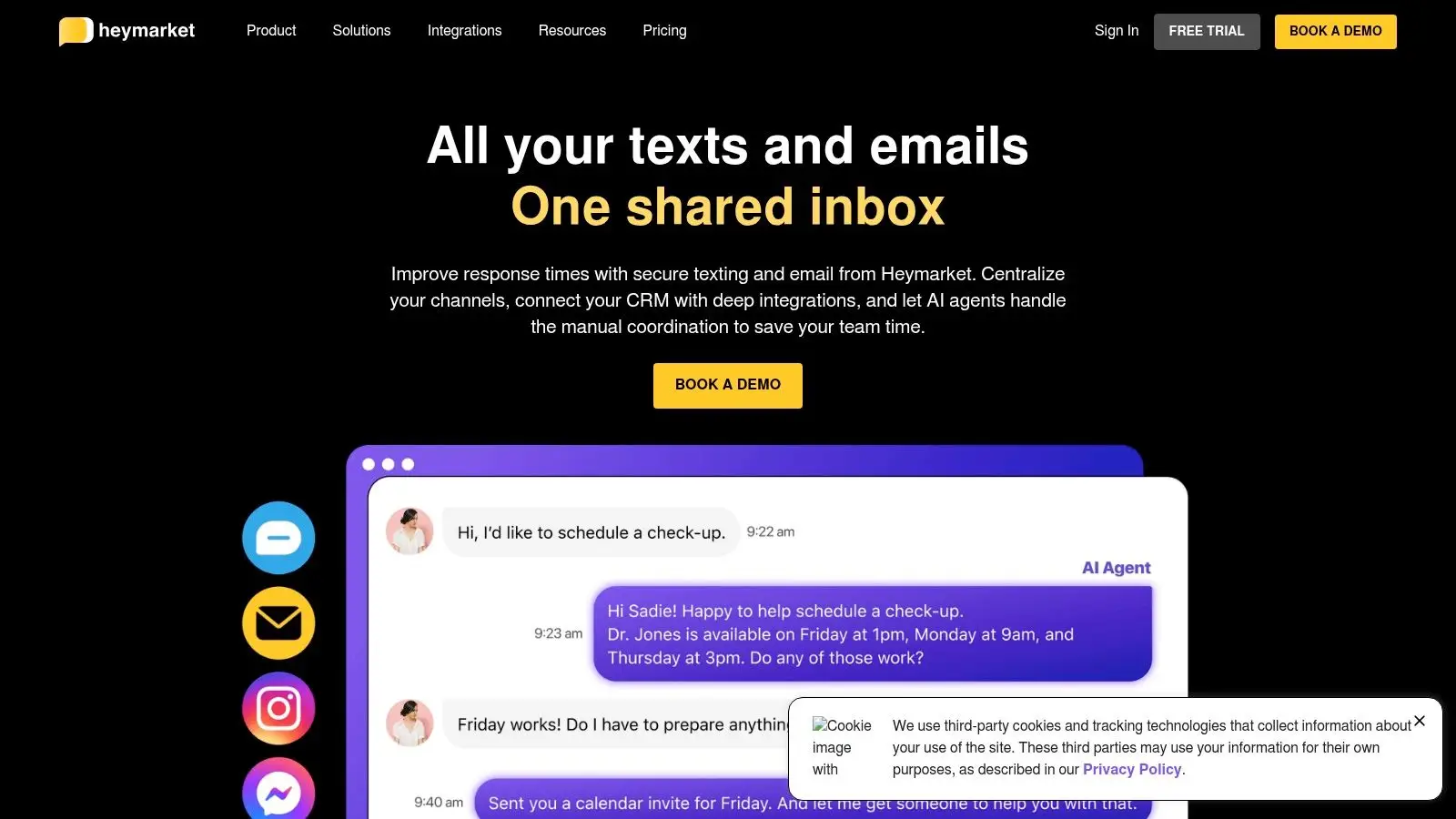
A busy service desk can use Heymarket without turning the front office into a full support center. It is built around texting first, with SMS and MMS at the core and additional workflows for Instagram, Facebook, Apple Messages for Business, and WhatsApp replies. For shops that handle estimates, status checks, and quick approvals across a few channels, that keeps the workflow lighter and easier to train.
The stronger case for Heymarket is control. Teams can connect it to HubSpot, Microsoft Teams, Salesforce, Zendesk, and Zapier, so the software fits into an existing setup instead of forcing a clean break from tools the shop already uses. That matters for advisors who want faster replies without losing the context stored elsewhere. In a shop that frequently sends prospects to a trusted mechanic or service partner, the follow-through can be supported by a practical resource such as this guide to finding a car mechanic.
For auto shops, Heymarket makes the most sense in a few specific workflows. A service writer can handle lead response without juggling personal phones, send group updates while still keeping each conversation separate, and let multiple advisors share the same inbox without confusion. It also gives shops a clearer way to manage opt-in practices, which is useful for teams that want texting to stay organized and defensible.
That said, the fit depends on how the shop communicates. WhatsApp remains reply-only, so shops that want full two-way messaging across every channel will feel that limit. Per-user pricing can also rise as the desk expands, so owners should test the actual front-office workflow before committing. For Canadian shops that mainly need business texting with broader messaging support, Heymarket is a practical option rather than an all-purpose communication suite.
Best for: shops that want business texting with broader messaging support.
Trade-off: WhatsApp is reply-only and per-user pricing can climb as the desk grows.
Website: Heymarket
6. RingCentral Canada
A shop that keeps losing track of calls, texts, and voicemails usually needs more than a texting app. RingCentral Canada fits that situation because it puts calling, SMS, MMS, and team messaging under one business number. For a service counter, that reduces the app sprawl that creeps in when advisors use one tool for phones and another for written approvals or reminders.
The practical value is consistency. A front office can confirm a drop-off by phone, send a written estimate follow-up by text, and keep the thread attached to the same business line. That helps when the customer is a retail driver, a fleet manager, or a collision file that needs a clean communication record. It is more of an operational backbone than a marketing inbox, and many shops will prefer that structure.
Canadian shops also care about reliability. Carrier-grade calling and messaging matter when the desk is trying to reach someone between meetings, confirm a vehicle handoff, or get a last-mile approval before the bay moves on to the next job. If your shop needs a central number that the team can trust all day, RingCentral makes sense. If you only want promotional texting, it can feel heavier than you need.
Why it belongs on an auto shop shortlist
- One number for calls and texts: Keeps the customer experience consistent and easier to manage.
- Canada-ready plan structure: Works well for shops serving local drivers and fleet accounts.
- Mobile and desktop apps: Lets advisors stay responsive whether they are at the counter or away from it.
- API support: Useful if you want communication events to connect with other systems.
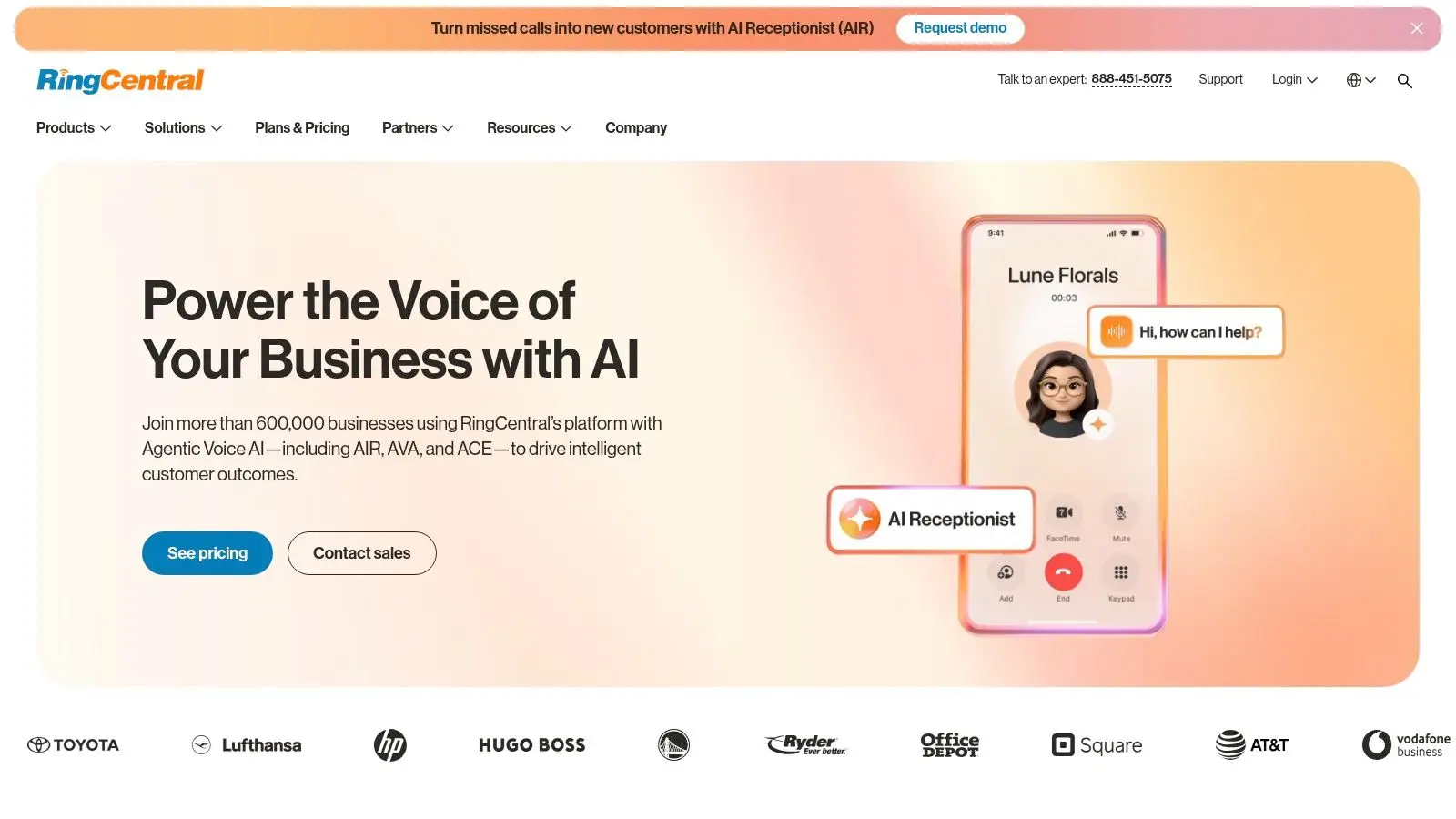
RingCentral is not the flashiest option on this list. Shops choose it when dependable phone-and-text infrastructure matters more than a sales-style inbox.
Best for: shops that want business calling and texting on a single platform.
Trade-off: mass texting and marketing sit behind the core phone-and-messaging features.
Website: RingCentral Canada
7. Kimoby
Kimoby is built for the day-to-day realities of automotive service lanes, making it one of the more relevant tools for Canadian shops. It links two-way texting to repair orders, supports multimedia estimates and approvals, and includes Kimoby Pay for text-to-pay and in-person terminals. That setup works well when advisors need to move a vehicle from inspection to approval without sending the customer into a phone queue.
The Canadian angle matters here. Kimoby provides resources around CASL and Quebec Law 25, which helps shops treat messaging as a governed process rather than a casual add-on. For service teams handling estimate approvals, payment collection, and repair-status updates, the platform fits into the workflow instead of sitting beside it.
A shop like Carmedics Autowerks would see the value most clearly at the counter. A service advisor can send a repair-order update, attach photos from an inspection, collect approval, and close payment from the same thread. For collision work, that can reduce back-and-forth when a customer needs to see damage before signing off. For PPF or tinting, the same approach helps when a client wants a quick visual confirmation before agreeing to the next step.
Where Kimoby fits in daily shop work
- Repair-order centric texting: Keeps conversations attached to the actual job.
- Text-to-pay: Helps close out invoices without extra steps.
- Compliance guidance: Useful for Canadian communication practices.
- Auto-industry workflow fit: Built for advisors, not generic support teams.
For Canadian shops, the main trade-off is scope. Kimoby is strongest when communication needs to stay tied to service operations, approvals, and payment. If your team also wants broad social messaging or a heavy marketing suite, you may still need another tool beside it.
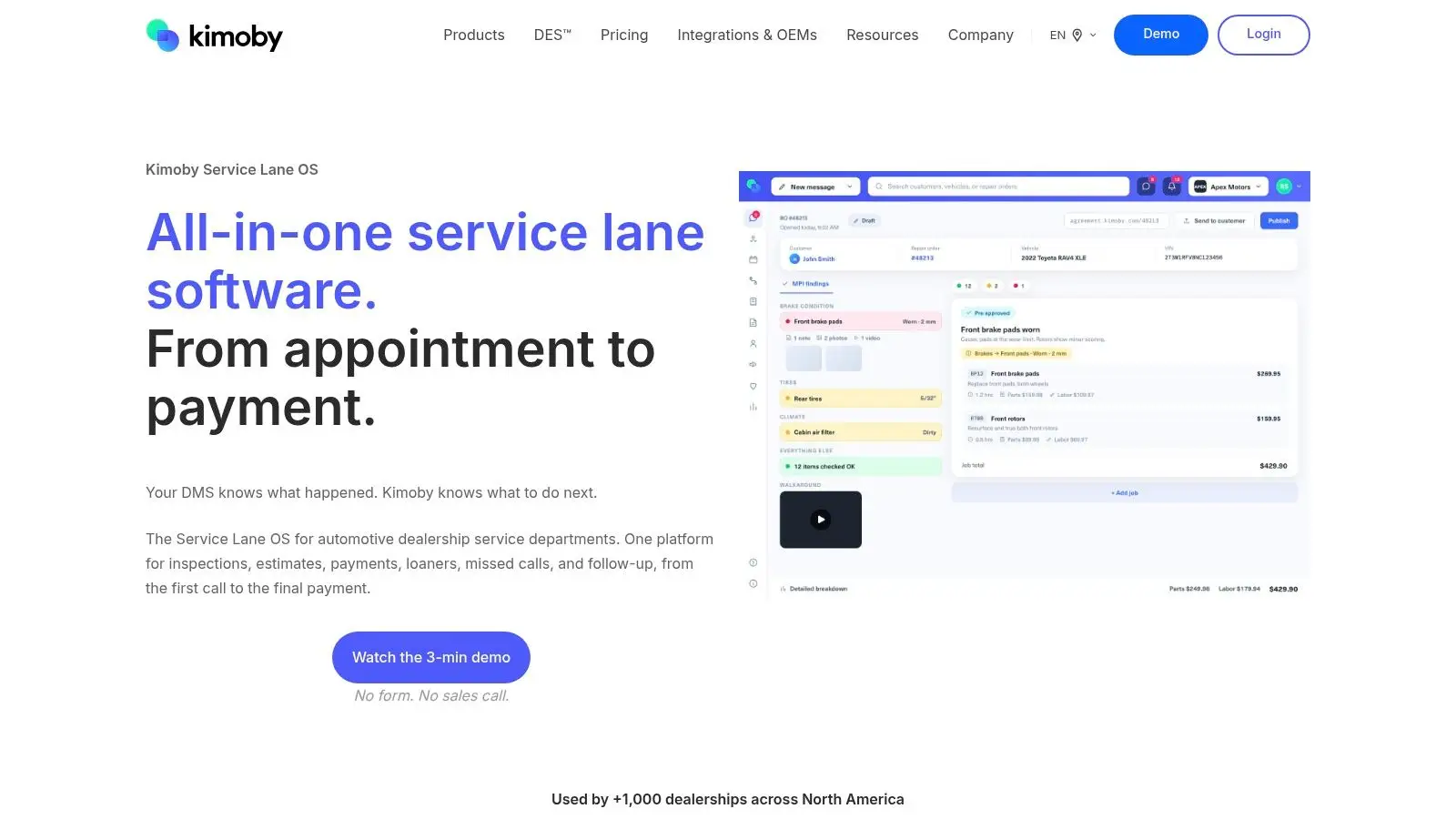
For a collision or detailing shop, that workflow fit is often more valuable than broad social features you'll never use.
Best for: Canadian auto businesses that want texting tied to service operations.
Trade-off: pricing is quote-based, and broader social messaging usually needs separate tools.
Website: Kimoby
8. AutoLeap
A shop that wants customers updated inside the same system it uses for booking, inspections, estimates, and invoicing will usually find AutoLeap easier to live with than a separate texting layer. It supports two-way texting and real-time alerts, so the front desk is not constantly switching between tools to answer simple questions or request approval. For a busy service writer, that matters because every extra handoff creates another chance for delay or a missed detail.
The value is context. Advisors can keep the conversation tied to the repair order, which reduces copy-paste errors and keeps the customer record cleaner across repeat visits. That matters for automotive service businesses that handle estimates, digital inspections, and follow-up work. Shops that want tighter workflow visibility can pair that approach with digital vehicle inspection best practices, since the message thread stays attached to the inspection and estimate process instead of drifting into a separate inbox.
For a Canadian shop, the trade-off is clear. AutoLeap is a fit if you want communication built into the management platform, not added on top of it. That helps when your team wants booking, customer updates, and invoicing to stay connected. It is less attractive if you only need a lightweight texting tool and do not want the rest of the suite.
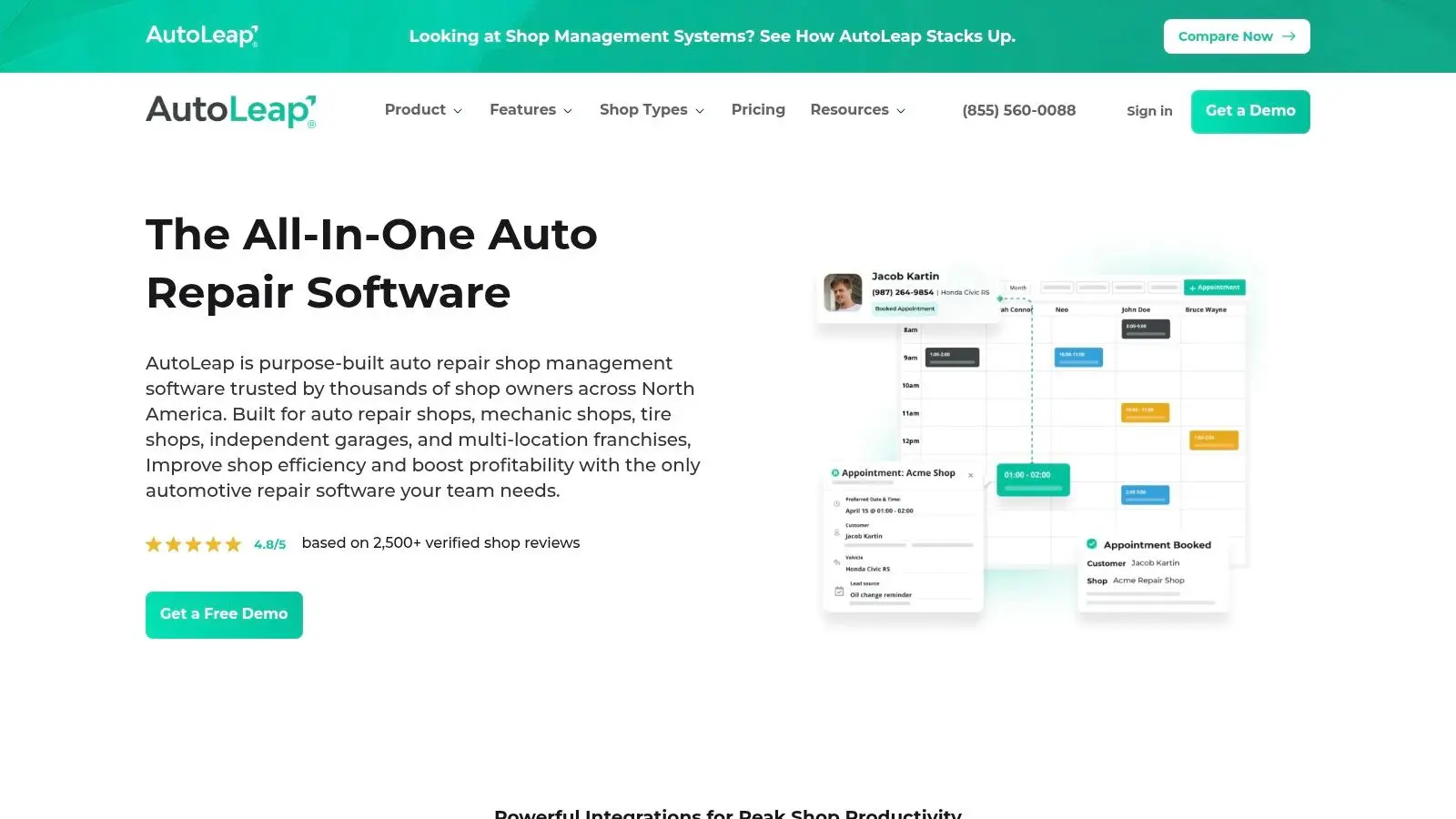
For shops that send photo updates, approval requests, and invoice reminders in the same workflow, the practical question is not whether the tool can text. It is whether the messages stay tied to the job file when the day gets busy. AutoLeap is built for that kind of operating discipline, which is often a better fit for service departments than a standalone chat app.
Best for: shops that want communication built into the management platform.
Trade-off: you are adopting the full suite, not a light standalone texting add-on.
Website: AutoLeap
9. Shopmonkey
A collision desk that juggles estimates, parts questions, approvals, and payment follow-up needs more than a basic texting tool. Shopmonkey is built for that kind of shop flow, because the conversation stays attached to the repair order while the work is moving. Advisors can send two-way text and email, attach photos and files, and keep approvals and payments tied to the job. For PPF packages, tint work, and collision repair, that matters because the customer often needs to see the damage, the scope, and the approval request in one place.
The advantage is not just messaging. It is the record. When the estimate, photo set, and customer response stay in the same file, the front office spends less time searching old threads and more time keeping vehicles moving. That also helps when more than one advisor touches a file, or when a manager needs to check who approved what. Shops that are tightening workflow discipline at the same time can pair this with parts inventory management guidance, since communication and parts visibility work better when they are part of the same job record.
For Canadian shops, Shopmonkey makes the most sense when you want communication, approvals, and payment handling inside the shop management system instead of scattered across separate apps. That fit is practical if your team wants to keep customer updates connected to the repair order, but it is less attractive if you only need a lightweight texting layer for social DMs or casual back-and-forth.
What it does well in day-to-day shop work
- Messages inside repair orders: Keeps customer replies tied to the job file.
- File and photo attachments: Useful for damage documentation, visual estimates, and review requests.
- Online approvals: Helps customers say yes or no without extra calls.
- Customer profiles tied to jobs: Makes repeat visits and service history easier to track.
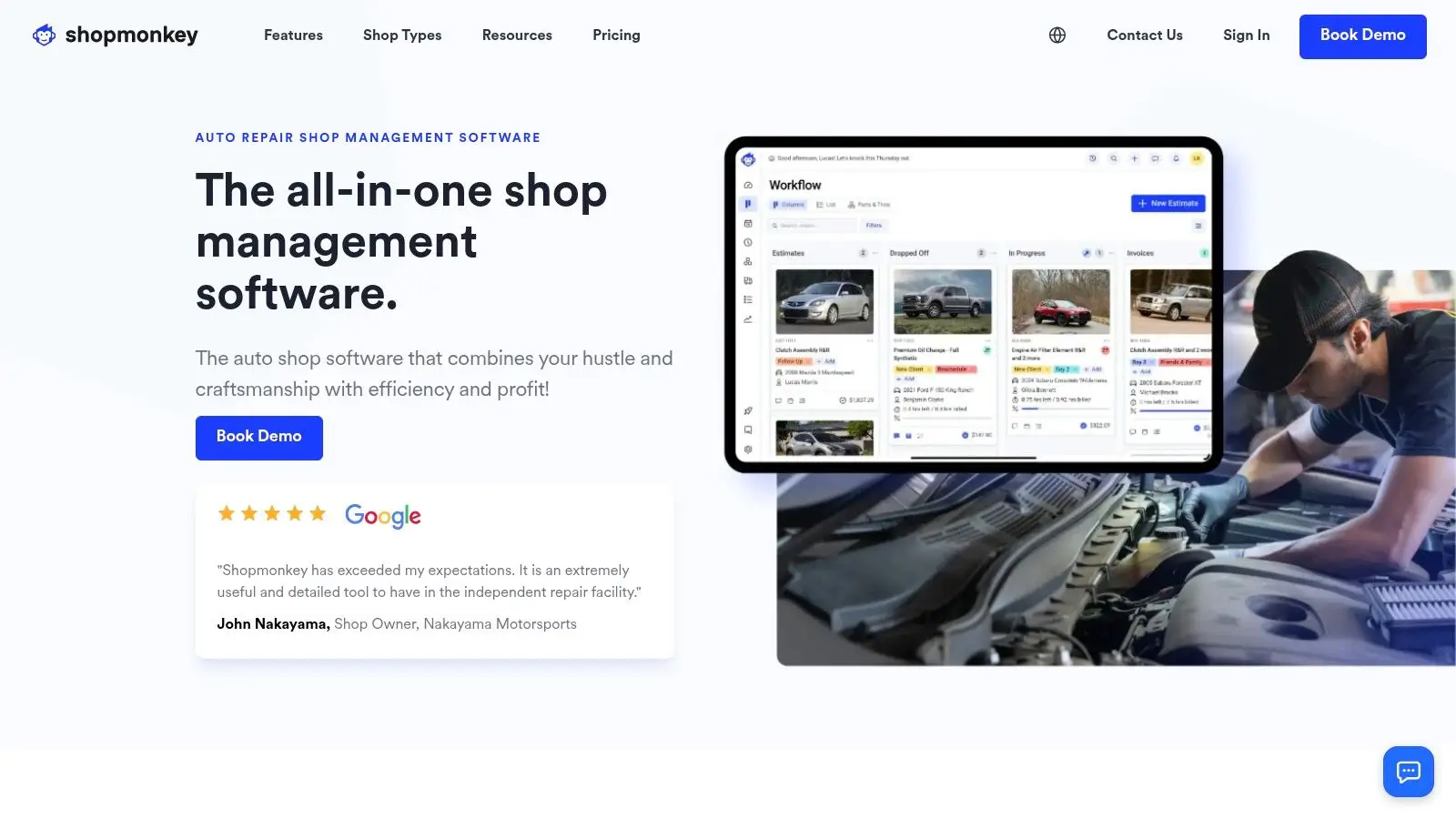
In practice, Shopmonkey suits shops that want the office team working from the same source of truth as the technicians. That reduces the back-and-forth that happens when approvals live in one app, photos in another, and payment reminders somewhere else. It also fits shops that already treat customer communication as part of the repair order, not as a separate task that gets handled later.
Best for: shops that need messaging, approvals, and payments inside job workflows.
Trade-off: it is less flexible for social DMs than dedicated messaging tools.
Website: Shopmonkey
10. Textline
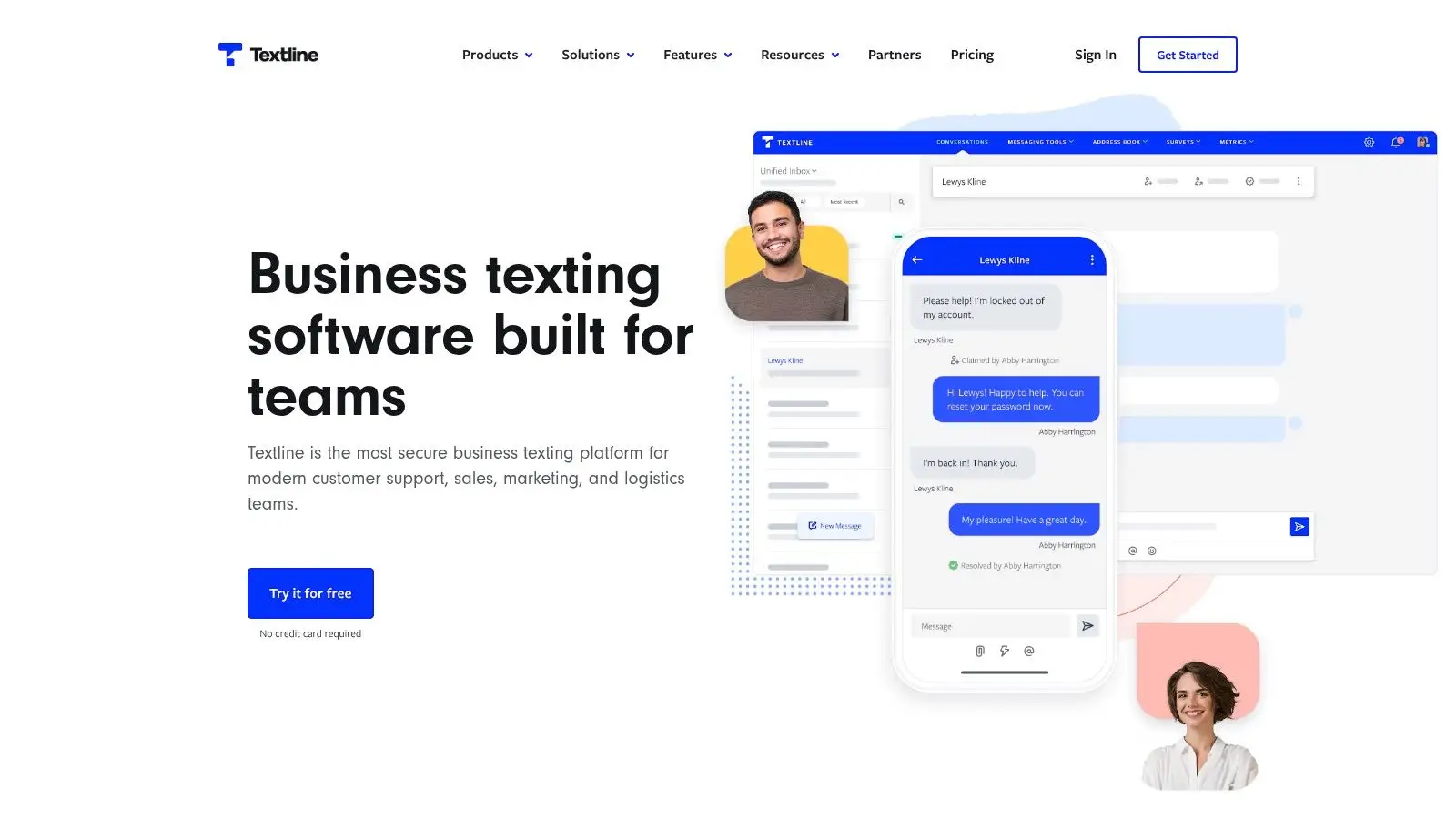
A shop that already has phone coverage, estimates, and follow-up handled elsewhere often needs one thing first, a cleaner texting layer. Textline fits that brief. It gives you shared SMS inboxes, webchat, automations, routing, and surveys, so the office can keep customer messages organized without forcing the team into a bigger platform than it needs. For a Canadian auto shop testing a tighter communication process, that makes it a sensible first move.
The main strength is control. The per-message credit model and the compliance guidance make usage easier to understand than some bundled systems, which matters when you are trying to see whether texting can replace scattered personal-phone replies. It also keeps the focus on front-end communication, which is useful if your priority is faster response times for booking questions, status updates, or post-service follow-up, not a full rebuild of how the shop runs.
For PPF and tinting shops, Textline can handle quick appointment confirmation and photo requests without dragging in extra features the team will not use. Collision repair teams can use it for estimate follow-up, part-delay updates, and delivery reminders, especially when customers want a simple reply thread instead of a phone call.
Where Textline fits in shop workflow
Use it as the texting layer when your current system already handles the rest. A service advisor can keep one inbox for inbound questions, route messages to the right person, and send surveys after pickup without chasing replies through private devices. That is practical in smaller stores, and it is also useful in multi-advisor shops where message ownership tends to blur.
- Shared texting inbox: Keeps replies off personal phones and in one place.
- Webchat and routing: Helps turn site traffic into conversations your team can answer.
- NPS and CSAT surveys: Works well after delivery, repairs, or a completed detailing job.
- Transparent usage model: Easier to test beside the tools you already have.
This is the tool I'd test first if the shop's problem is simple, “we answer too slowly and we don't know where texts go.”
Best for: shops that want a straightforward texting layer with light automation.
Trade-off: voice calling isn't included, and some Canada-specific group messaging limitations may affect fit.
Website: Textline
Top 10 Customer Communication Tools, Feature Comparison
| Solution | Core features | UX / Quality ★ | Value & Pricing 💰 | Best for 👥 | Unique selling points ✨ |
|---|---|---|---|---|---|
| Podium | Unified inbox (SMS, email, FB/IG, GBP); automations; text-to-pay | ★★★★★, mobile-first, fast workflows | 💰 Quote-based; premium | 👥 Service counters & advisors | ✨ Integrated payments + broad channel coverage |
| Birdeye | Review & survey automation; two-way inbox; listings & analytics | ★★★★, strong reporting, multi-location | 💰 Quote/loc; can scale costly | 👥 Shops wanting deep integrations & analytics | ✨ Extensive review-site coverage & shop integrations |
| NiceJob | Automated reviews, AI replies, referrals, social-proof widgets | ★★★★, reputation/retention focus | 💰 Transparent plans; 14‑day trial (USD billing) | 👥 Canadian service brands prioritizing trust | ✨ Referral automation + high-conversion widgets |
| Broadly | Shared inbox (SMS, web chat, social); AI receptionist; marketing | ★★★★, balanced all‑in‑one for shops | 💰 Quote-based; tiered feature access | 👥 Small shops wanting an integrated stack | ✨ Auto shop content + booking & CRM integrations |
| Heymarket | Shared SMS/MMS + social DMs; broadcasts & automations | ★★★, clear UI; strong multi-user support | 💰 Published per-user pricing; adds up | 👥 Teams needing texting + CRM connectors | ✨ Wide channel support (Apple Msgs, WhatsApp reply) |
| RingCentral (Canada) | Business phone + SMS/MMS; pooled SMS allowances; apps | ★★★★, carrier-grade reliability | 💰 Published Canadian plans & rates | 👥 Shops wanting centralized calls + texts | ✨ Telephony + messaging on Canadian-ready plans |
| Kimoby | Two-way texting tied to ROs; multimedia estimates; Kimoby Pay | ★★★★★, auto-focused workflows & compliance | 💰 Quote-based; Canada-first | 👥 Canadian service lanes & advisors | ✨ CASL & Law 25 guidance; text-to-pay terminals |
| AutoLeap | Shop management with built-in texting, booking & DVI | ★★★★, consolidates comms + shop data | 💰 Quote-based; full-suite adoption | 👥 Shops that want native PMS communications | ✨ Communications natively tied to repair orders |
| Shopmonkey | Shop-management + two-way text/email in ROs; approvals | ★★★★, job‑centric messaging & audit trail | 💰 Quote-only | 👥 Shops needing integrated job communications | ✨ Messaging embedded directly in repair workflows |
| Textline | Texting-first shared inbox; webchat, automations & surveys | ★★★, lean, easy to pilot | 💰 Per-message credits; transparent pricing | 👥 Shops wanting SMS-first tool alongside systems | ✨ Clear 10DLC/toll-free guidance & survey support |
The Right Tool to Drive Your Business Forward
The best customer communication tool is the one your team will use and your customers will appreciate. For a shop like Carmedics Autowerks, the highest ROI usually comes from a platform that fits the way the front desk already works, simplifies payments, and automates review requests without creating more admin work. The right system should help you answer faster, keep estimates moving, and preserve a clean record of what was said.
If your pain point is missed calls and slow approvals, start with a messaging-first tool like Podium, Kimoby, or Textline. If your bigger issue is reputation and repeat business, Birdeye or NiceJob will make more sense. If you want communication built directly into the repair workflow, AutoLeap or Shopmonkey are stronger fits because they keep the message attached to the job instead of treating it as a side conversation.
Canadian shops also need to think about compliance, continuity, and the realities of service work. Email still anchors a lot of formal communication, but customer expectations are clearly shifting toward faster, omnichannel contact, and the market for customer communication management continues to expand as businesses invest in more connected systems (Project.co communications survey 2023, Quadient CCM market summary). The practical move is to choose one platform that fits your booking, approvals, and follow-up process, then make your team use it consistently.
If you're ready to tighten up customer updates, speed up approvals, and build a communication workflow that matches how a modern auto shop runs, visit Carmedics Autowerks Inc and see how a Whitby team handles auto repair, tinting, PPF installation, and collision work with customer communication in mind.